
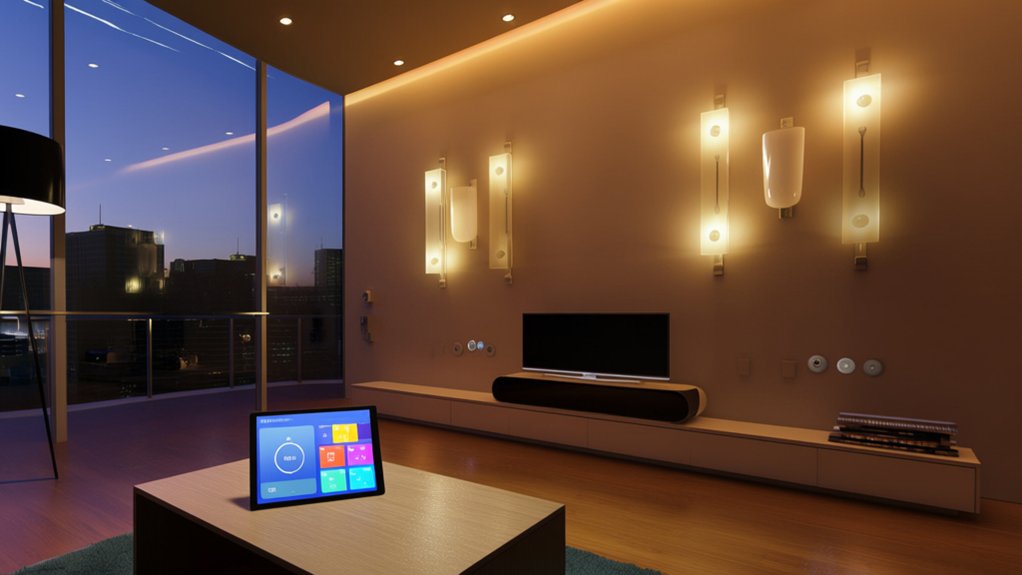

By coincidence, the moment you start planning a smart home is usually when you realize how fragmented devices and platforms can be. To build a system that actually feels seamless, you need to define clear functional objectives, select a primary ecosystem, and design your network like an integrated architecture project, not a gadget pile. Once you understand how protocols, hubs, and automations intersect, you can avoid the most common failure points—and that’s where the real advantage begins.
Key Takeaways
- Define clear goals (comfort, security, energy savings) and map them to concrete automations like lighting scenes, climate schedules, and security routines.
- Choose a primary ecosystem and hub (Apple, Google, Alexa, or Matter) and verify all devices are officially compatible and certified.
- Build a robust network with strong Wi‑Fi coverage, IoT segmentation, WPA3 security, and interference management for reliable connectivity.
- Onboard devices using official apps, update firmware, secure credentials, then design and test automations gradually to avoid conflicts and misfires.
- Maintain the system with regular firmware updates, clear documentation, privacy‑focused settings, and periodic reviews of permissions and automation behavior.
Clarify What You Want Your Smart Home to Do

Before you buy any devices, define the functional outcomes you want your smart home to deliver—comfort, security, energy efficiency, entertainment, or all of the above.
Translate each outcome into concrete scenarios: lighting scenes, climate schedules, access control, and media automation.
Specify which actions must work hands‑free through voice commands and which should remain manual for precision control.
Map every desired behavior to sensors, actuators, and automation rules. For example, decide when motion triggers lights, or when occupancy data adjusts HVAC.
Simultaneously, document privacy concerns: where cameras may record, how long data persists, and which rooms should never allow audio capture.
Prioritize requirements in a short design brief so future purchasing, configuration, and placement follow a coherent, user-centric blueprint.
Pick a Smart Home Platform and Hub That Fit You
Now you’ll choose the smart home platform and hub that will anchor your entire system’s architecture. You’ll compare major ecosystems (like Apple, Google, Amazon, and others).
Select a hub with the right radio protocols and processing capabilities. Structure how control flows through your home.
Throughout, you must guarantee rigorous device compatibility so every sensor, switch, and appliance interoperates cleanly within your chosen platform.
Comparing Major Smart Platforms
Although smart devices can operate independently, you’ll get a more reliable, cohesive system by standardizing on a primary smart home platform and hub. When you compare major ecosystems—Apple Home, Google Home, Amazon Alexa, and emerging Matter-centric setups—evaluate how each will shape your daily interactions, automation logic, and visual consistency across your home.
Focus on three pillars:
- Interface + voice control – Assess microphone performance, natural-language parsing, and the quality of mobile and wall-mounted UIs.
- Ecosystem breadth – Check certified device catalogs, third-party integrations, and long-term firmware support.
- Privacy + security features – Compare on-device processing, encryption standards, granular permissioning, and account-protection options like passkeys or hardware keys.
Prioritize the platform aligning with your design language and privacy tolerance.
Choosing The Right Hub
Why does the hub you choose feel like the “brain” of your smart home? Because it orchestrates automation logic, device coordination, and user interaction.
When you select a hub, prioritize a clean, intuitive interface and a physical form factor that visually integrates with your interior design.
Evaluate whether you want a speaker-based hub with built‑in voice control or a screen‑centric device for more visual feedback.
Inspect latency, processing power, and local automation capabilities so scenes still run if your internet drops.
Review embedded security features: automatic firmware updates, strong encryption, and granular permission settings for user accounts and third‑party services.
Finally, consider where you’ll place the hub so wireless coverage, cable management, and aesthetics all remain coherent.
Ensuring Device Compatibility
Before you buy any gadgets, anchor your smart home around a primary ecosystem—such as Apple Home, Google Home, Amazon Alexa, or a Matter‑centric setup—and verify that your chosen hub and devices explicitly support it. This alignment keeps your device integration predictable, scalable, and visually coherent across apps and interfaces.
Use structured compatibility testing before purchase:
- Map every planned device (lighting, climate, security, AV) to supported protocols (Wi‑Fi, Zigbee, Z‑Wave, Thread, Matter) and your core platform.
- Audit manufacturer specs and certified logos; avoid “works with” claims that lack formal ecosystem or protocol certification.
- Prototype critical workflows—locks, alarms, scenes—using a few devices first, confirming low latency, stable connections, and consistent control surfaces across mobile, voice, and wall‑mounted interfaces.
Choose Devices That Play Nicely Together
Even the most advanced smart home fails without interoperable devices that communicate reliably and consistently. You should treat Device integration as a core design constraint, not an afterthought. Begin by standardizing on an ecosystem—such as Matter, HomeKit, Google Home, or Alexa—and verify that each product is formally certified for its relevant Compatibility standards.
Prioritize devices that support multiple protocols so you can reconfigure your architecture later without replacing hardware. Evaluate how lighting, sensors, locks, climate controls, and media systems expose capabilities to your chosen platform: scenes, automations, status feedback, and over-the-air updates.
Favor brands with transparent firmware roadmaps and long-term support policies, ensuring your devices continue to interoperate cleanly as platforms evolve and your smart home grows in complexity.
Set Up Your Smart Home Network for Reliability
After you’ve selected interoperable devices, you need a network foundation that won’t undermine them. Start by architecting a dual-band or tri-band Wi‑Fi topology with robust coverage: strategically place access points to minimize dead zones and interference, and reserve 2.4 GHz channels for low‑bandwidth sensors.
Enable strong wireless security with WPA3, disable WPS, and use a segmented SSID dedicated to IoT hardware to isolate risk.
To harden reliability and address privacy concerns, configure your router with QoS rules so latency‑sensitive automation traffic gets priority, and disable unnecessary cloud access where possible.
- Implement VLANs or separate SSIDs for guests, IoT, and personal devices.
- Use DNS filtering to block malicious domains.
- Schedule periodic firmware updates and automated reboots.
Install and Connect Your Smart Home Devices Step by Step
Once your network foundation’s in place, you can methodically bring devices online in a sequence that preserves stability and security. Start with core components: the smart hub or controller, then smart switches, sensors, and finally higher-bandwidth endpoints like cameras and speakers.
Enroll each device via its official app, confirm firmware updates, and immediately change default credentials.
Prioritize user privacy by disabling unnecessary data sharing, tightening access permissions, and segmenting devices on guest or IoT VLANs when possible.
As you mount hardware, balance radio reception with device aesthetics: avoid metal enclosures, dense masonry, and visual clutter.
Label circuits, rooms, and device names consistently so interfaces remain intuitive.
Validate operation locally first, then verify remote access through encrypted channels only.
Create Smart Home Automations That Feel Natural
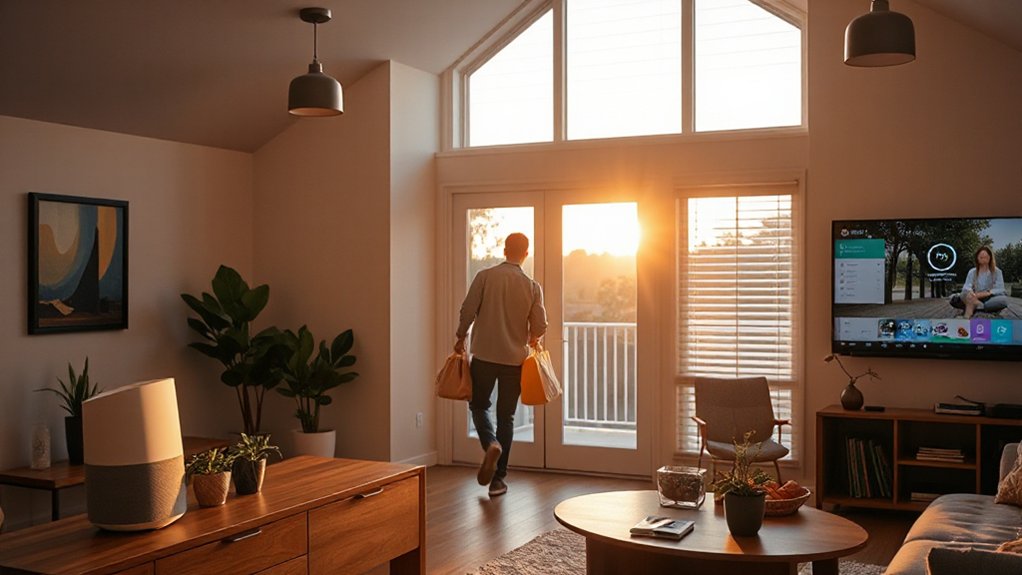
When your devices function reliably, you can focus on orchestrating automations that feel intuitive instead of scripted. Start by mapping your daily routines as “scenes” that synchronize lighting, climate, and media with time, motion, and occupancy sensors.
Design these flows so they anticipate intent rather than merely respond to taps.
Use voice recognition as a lightweight, natural override layer, not the primary control surface. Always balance convenience with explicit safeguards for privacy concerns in shared spaces.
- Define triggers (time, presence, sensors) and desired states for each room profile.
- Align automation timing with circadian lighting, noise levels, and traffic patterns.
- Configure granular permissions, local processing where possible, and clear data-retention rules for cameras, mics, and logs.
Troubleshoot Common Smart Home Problems and Future-Proof Your Setup
Although a well-planned smart home should feel seamless, you’ll inevitably encounter latency, devices dropping offline, and automations that misfire as your ecosystem grows more complex. Start by isolating variables: test devices locally in their native apps, then within your hub.
Audit Wi‑Fi coverage, channel congestion, and interference from dense materials or neighboring networks.
Schedule regular firmware updates to patch bugs, close security gaps, and maintain interoperability.
Standardize on modern protocols (Matter, Thread) to reduce vendor lock‑in and simplify long‑term maintenance.
Document IP reservations, naming conventions, and automation logic so you can refactor without breaking scenes.
Continuously review permissions and data flows to address privacy concerns, disabling unnecessary cloud services and remote access while prioritizing on‑device processing where available.
Frequently Asked Questions
How Much Does a Reliable Smart Home Setup Typically Cost to Build?
You’ll typically spend $1,000–$5,000 for a reliable smart home, depending on smart device compatibility, installation costs, network infrastructure, and control interfaces, while premium integrated systems with professional configuration, hardened security, and advanced automation can exceed $10,000.
Can Renters Set up a Full Smart Home Without Violating Lease Agreements?
You can, but 43% of renters report lease-related tech limits, so carefully audit rental restrictions. Prioritize non-invasive, Temporary installations: adhesive-mounted sensors, plug-in hubs, battery-powered locks, wireless switches, and reversible cable management to maintain compliance while achieving integrated, design-conscious automation.
How Do Smart Home Devices Impact Monthly Electricity Bills?
Smart home devices generally reduce monthly electricity bills by enabling granular usage monitoring, automated scheduling, and adaptive Energy savings modes. You optimize load management, minimize standby consumption, and coordinate lighting, HVAC, and appliance runtimes for efficient, design-conscious power distribution across your home.
What Privacy Policies Should I Check Before Buying Smart Home Devices?
You scrutinize privacy policies for strong data encryption, explicit user consent controls, minimal data retention, third‑party sharing limits, transparent telemetry collection, local processing options, and firmware update practices—because unlike medieval torches, your devices shouldn’t broadcast your behavior to unknown entities.
How Can I Safely Dispose of or Recycle Old Smart Home Hardware?
You securely erase all configurations, factory‑reset each device, and remove linked accounts to preserve Data security. Then, use manufacturer take‑back programs, certified e‑waste centers, or retailer Device recycling kiosks that comply with responsible disposal standards.
Conclusion
You’ve now got the blueprint to orchestrate a home that behaves less like a gadget zoo and more like a well‑tuned ecosystem. When you inevitably “fine‑tune” a few misbehaving routines, you’ll know it’s just iterative design, not failure. Keep firmware current, document your architecture, and refine automations as your lifestyle “evolves.” If you treat your smart home like a living, modular system, it’ll quietly handle the complexity so your daily experience stays elegantly simple.