
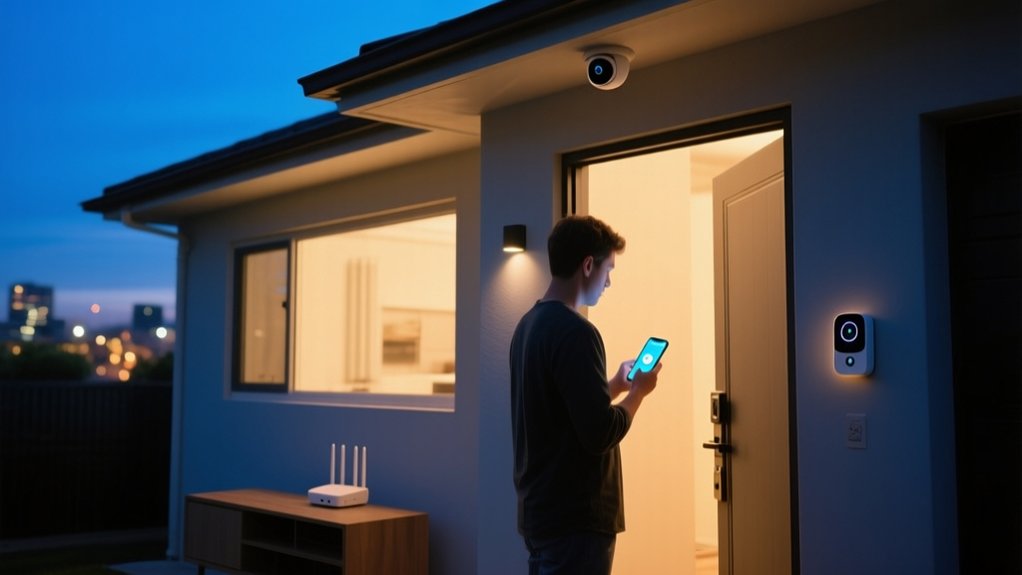

If you’re serious about securing your home with smart tech, you need more than a few Wi‑Fi gadgets scattered around. You’ll assess how your home is laid out, choose devices that use secure protocols like Zigbee, Z‑Wave, or Matter, and configure them so locks, sensors, and cameras actually work together. You’ll also harden your network and manage data access. Once you understand how a smart security system really operates, some hidden risks—and advantages—become obvious.
Key Takeaways
- Install smart locks and door/window sensors on all main entry points, enabling alerts, activity logs, and automatic locking when you leave.
- Use indoor and outdoor security cameras or video doorbells with encryption, privacy zones, and local storage to monitor activity without oversharing footage.
- Centralize devices through a smart home hub or platform to automate routines like arming sensors, locking doors, and adjusting lights based on presence.
- Secure your network by placing smart devices on a guest or IoT network, using strong Wi‑Fi passwords, and updating firmware regularly.
- Improve deterrence with smart lighting schedules and motion-activated lights in dark areas, simulating occupancy when you’re away.
How Smart Home Security Actually Works
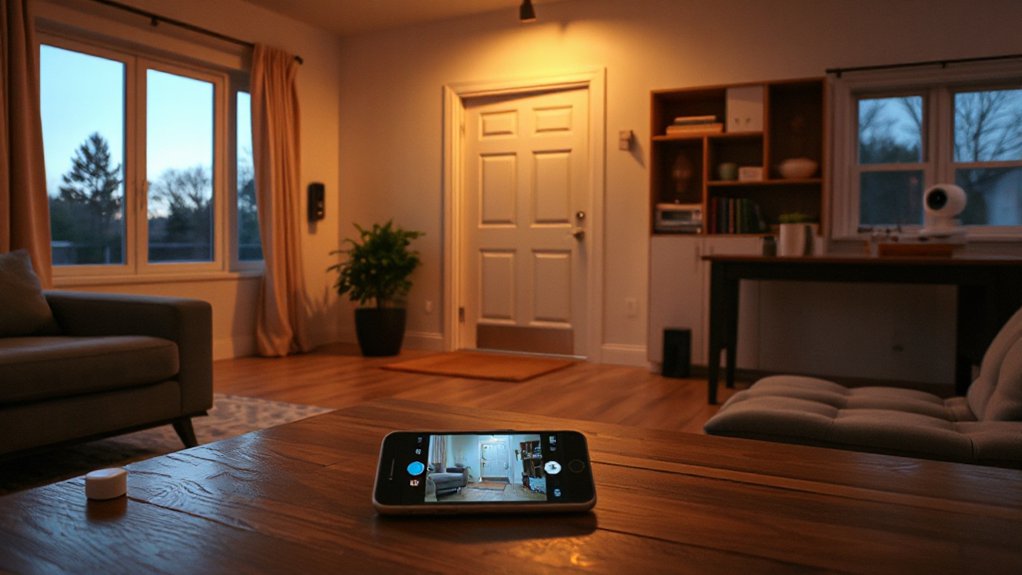
When you strip away the buzzwords, a smart home security system is a network of connected sensors, cameras, and control devices that continuously collect data, interpret it, and trigger actions in real time.
You deploy door and window contacts, motion detectors, and smart locks that report status to a central hub or cloud platform over Wi‑Fi, Zigbee, Z‑Wave, or Thread.
The system compares live inputs against your configured rules. If it detects an anomaly, it pushes alerts, records video, or locks doors.
You manage everything through an encrypted app, where strong authentication mitigates privacy concerns.
Devices sleep or throttle transmission to improve energy efficiency, while edge processing on cameras and hubs reduces bandwidth usage and limits cloud exposure.
Pick the Right Smart Tech for Your Type of Home
Although every smart home security system relies on the same basic building blocks, the “right” tech depends heavily on your home’s layout, construction, and occupancy patterns. In an apartment or condo, you’ll prioritize compact hubs, wireless gear, and devices that don’t require structural changes.
In a detached house, you can exploit wired backbones, exterior-grade cameras, and more robust networking.
Start by mapping where you actually live and move: high-traffic zones, dark corners, and blind exterior areas. Then verify Smart tech compatibility across your hub, Wi‑Fi standard, and protocols (Matter, Zigbee, Z‑Wave, Thread) so devices interoperate reliably.
Favor Energy efficient devices—battery-optimized sensors, low-power radios, and LED-based lighting—to reduce maintenance, extend runtime during outages, and protect critical monitoring functions.
Lock Down Entry Points With Smart Locks and Sensors
With the right mix of hubs and protocols in place, the next step is hardening the spots intruders actually use: doors, windows, and other entry points. Start with smart locks that support keyless entry via PIN, NFC, or your phone, plus encrypted communication (at least AES-128). Favor models with auto-lock, tamper alerts, and activity logs, and verify they still work with a physical key in power or network failures.
Next, focus on sensor placement. Install contact sensors on every exterior door and ground-floor window, positioning magnets within the manufacturer’s specified gap tolerance. Add vibration or glass-break sensors to large panes or sliding doors.
Configure entry/exit delays, quiet “chime” modes, and push notifications so you know exactly when and where a perimeter’s breached.
Use Smart Cameras and Doorbells Without Feeling Watched
Smart cameras and video doorbells can strengthen your home’s security perimeter, but you need to configure them so they capture threats without turning daily life into a surveillance feed. Start by addressing Privacy concerns: choose devices with strong encryption, local storage options, and clear data retention controls. Disable unnecessary audio recording if your jurisdiction restricts it.
Follow targeted installation tips to limit overreach. Angle doorbells to focus on your doorstep, not the neighbor’s windows or public sidewalk. Use activity zones and people-only detection to cut down on constant recording. Reduce sensitivity to ignore passing cars yet catch someone approaching your door.
Protect indoor spaces by avoiding bedrooms and bathrooms, and enable “privacy shutters” or schedules so cameras deactivate when you’re home.
Tie It All Together With Hubs, Apps, and Routines

Once you’ve installed a few connected locks, sensors, and cameras, their real power comes from coordinating them through hubs, apps, and automated routines. A smart hub (or a platform like Home Assistant, Apple Home, or SmartThings) lets you unify devices from multiple brands, manage permissions, and create consistent behavior across your entire system.
Use your app to define rules: when the door locks, arm motion sensors; when a contact sensor opens unexpectedly, trigger cameras, lights, and an instant alert.
Add voice control so you can arm the system, lock doors, or check camera status hands‑free.
Tie in energy management: have lights and climate turn off automatically when you arm “Away,” and switch to low‑power night modes when you run a “Sleep” routine.
Keep Your Smart Home Secure From Hackers and Glitches
Although connected locks, cameras, and sensors can harden your home against intruders, they also expand your digital attack surface and introduce new points of failure. You need basic Cybersecurity awareness: change default passwords, use unique, complex credentials, and enable a reputable password manager. Turn on MFA for your hub, Wi‑Fi, and vendor accounts.
Segment your network by placing smart devices on a guest or IoT VLAN and disabling unnecessary remote access. Keep firmware and apps updated and remove devices you no longer use.
For privacy protection, audit app permissions, disable unneeded microphones and cloud backups, and review recorded video retention settings. Favor vendors with transparent security policies, regular patch cycles, and bug-bounty programs to reduce long‑term risk.
Set Smart Alerts and Automations That Stay Simple to Use
Because modern systems can quickly overwhelm you with pings and pop‑ups, you need alerts and automations that surface only what matters and act in predictable ways. Start by defining high‑priority events: door forced, window opened while armed, camera detects a person, smoke or water leak. Disable low‑value notifications such as routine motion on exterior cameras.
Create mode‑based automations. For “Away,” lock doors, arm alarms, adjust thermostats for energy management, and switch on presence‑mimicking lights. For “Sleep,” enable perimeter sensors, lock smart locks, and dim interior lighting.
Use voice control only for low‑risk actions—status checks, light scenes, thermostat changes—not for disarming or release. Regularly test each automation, review logs, and prune any rule you don’t understand or actively use.
Frequently Asked Questions
How Much Does a Basic Smart Home Security Setup Usually Cost?
You’ll usually spend $200–$600 for a basic Smart Security starter kit. In that Cost Breakdown, expect a hub, door/window sensors, motion detector, and optional camera; self-monitoring’s free, pro monitoring adds $10–$30 monthly.
Can Renters Use Smart Security Without Violating Lease Agreements?
Yes, you can, but you must respect rental restrictions. Prioritize non-invasive Security installation: wireless cameras, peel‑and‑stick sensors, smart locks using existing holes, and plug‑in hubs. Always review your lease and get written landlord approval for any semi-permanent modifications.
How Do Smart Security Devices Affect Home Insurance Premiums?
Smart security devices can slash premiums almost into oblivion because insurers love your enhanced data-driven risk assessment. You’ll often gain insurance discounts for monitored alarms, smart locks, leak sensors, and video verification, assuming you document installations and meet insurer certification requirements.
What Happens to My Smart Security System During Internet Outages?
Your smart security system partly keeps working; local sensors and sirens operate, but cloud features fail. If it has wireless connectivity fallbacks, local storage, and power backup (battery/UPS), you’ll retain recording, limited control, and delayed notifications once service returns.
Can I Transfer My Smart Security Setup When I Move Homes?
You can transfer your smart security setup like carrying a trusted shield, but verify Device compatibility, panel wiring, and network requirements first. Security system portability depends on wireless standards, power needs, mounting hardware, and whether monitoring contracts allow relocation.
Conclusion
When you layer smart locks, sensors, cameras, and routines, you’re building a living firewall around your home. You’ve mapped entry points, tuned alerts, and secured devices and networks, so every signal has a defined purpose and path. Keep firmware updated, review logs, and adjust automations as your habits change. Over time, your system becomes less a gadget collection and more an integrated security posture that quietly protects you in the background.